CLAUDE COWORK COURSE SINGAPORE
Build Your First AI Coworker in 1 Day
Go beyond prompting. Build AI agents that automate workflows, surface insights, and handle recurring tasks, entirely in plain language.
8 Hours
Intensive, output-focused training
Zero
Lines of code written by you
One
Working AI agent you built yourself
"Intelligence is now nearly free. The scarce resource is judgment. The manager who knows how to direct AI wins. And, that is exactly what this bootcamp builds."
- SKILLS
- PLUGINS
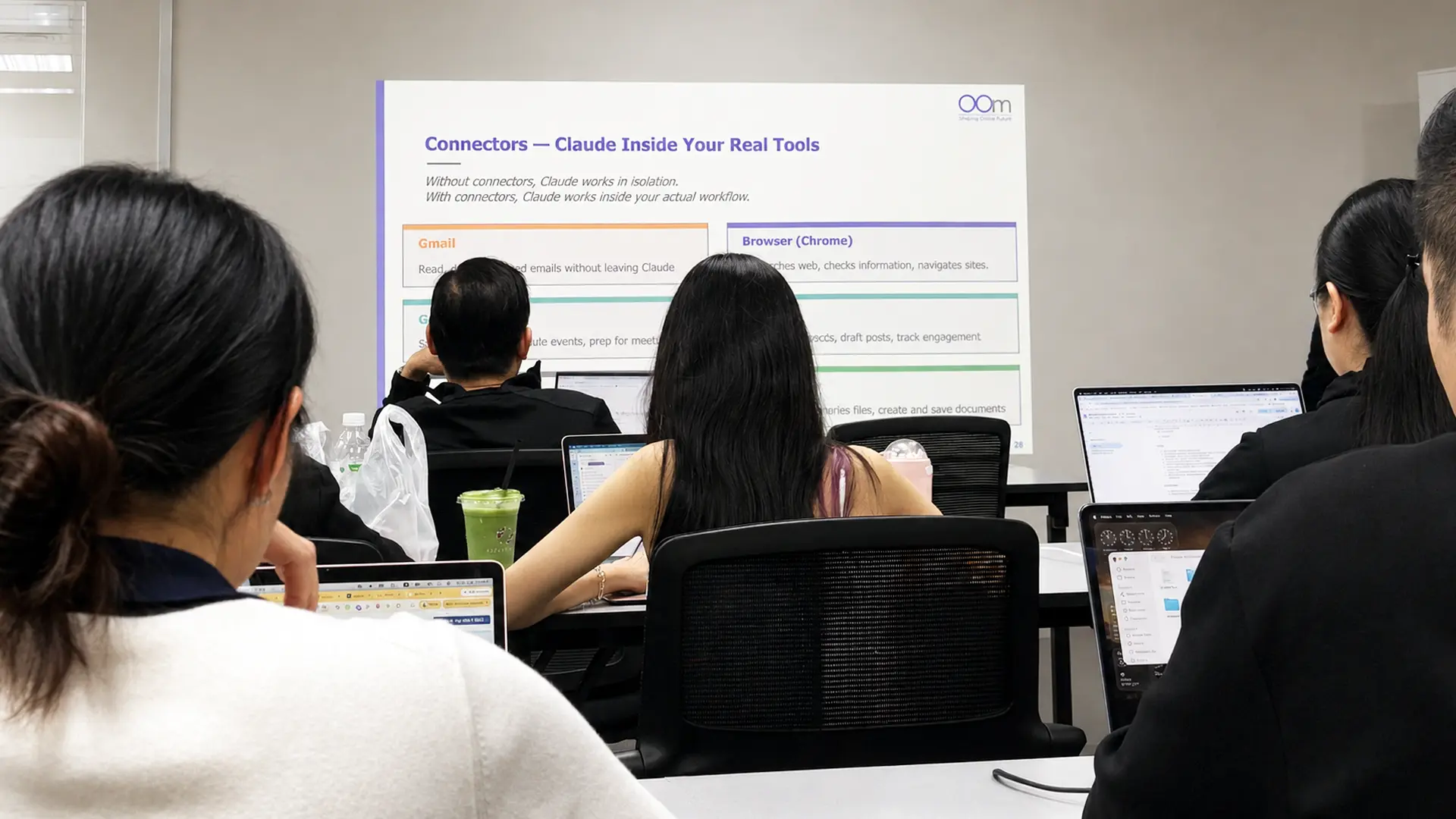
- CONNECTORS
What You’ll Leave With
AI that understands your context
Use Skills and context files to set clear, reusable instructions, so Cowork delivers the right output from the first attempt.
Instant answers from your own documents
Point Cowork at your own files and get structured, accurate information out fast without manually digging through files.
Recurring tasks done before you sit down
Set up Cowork to handle your regular reports, emails, and briefings, all drafted in your voice, ready when you are.
The judgement to know when AI gets it wrong
Spot errors, challenge assumptions, and refine Cowork's outputs before they influence important decisions.
Is Claude Cowork Training Right for Me?
If your job involves documents, reports, or research, the answer is probably yes.
Here’s how to be sure.
Do you handle the same tasks more than three times a day?
If yes, those tasks can be automated. Drafting emails, summarising documents, pulling data from reports, Claude Cowork can handle all of it, exactly the way you want it done. You just need to build it once.
Struggling with the quality of your AI-generated output?
That's because you're still limited to the chat window, re-explaining context every single time. Skills are the fix. You build your preferences and processes once, and Cowork applies them consistently from that point forward.
Want your work life to be a little less frustrating?
Colleagues forgetting to share the calendar invite. Information buried in email threads. Tasks that fall through the cracks. Let Cowork handle the coordination so you can focus on the work that actually needs you.
BUT this Claude Cowork Course is not for you if you prefer theory over hands-on output, or want a Claude Coding learning.
The Difference Claude Cowork Can Make
See how your day-to-day work can change when Claude evolves from a simple chatbot
into a capable coworker
Before Claude Cowork
After Claude Cowork
Here's Exactly What You're Signing Up For
$650
before GST
Secure Your Seat
Saturday, 18 July 2026
Friday, 31 July 2026
NEXT INTAKE CLOSES IN
Not ready to commit?
What to Bring On the Day
Tip: Bring 3-5 real work files or recurring tasks you’d like to automate.
Real inputs make for more useful agents.
Active Claude Pro subscription
Claude Desktop app installed
3 real work files you’d like to use
Why This Claude Cowork Training Is Different
Trainers with 20 years of industry experience
Our trainers have deep hands-on expertise in AI applications and industry practice, giving you practical guidance that directly applies to your work.
You build and get real feedback
The day ends with a live Showcase and you’ll receive honest feedback from trainers and your peers for improvement and enhancement.
Small cohort, full attention
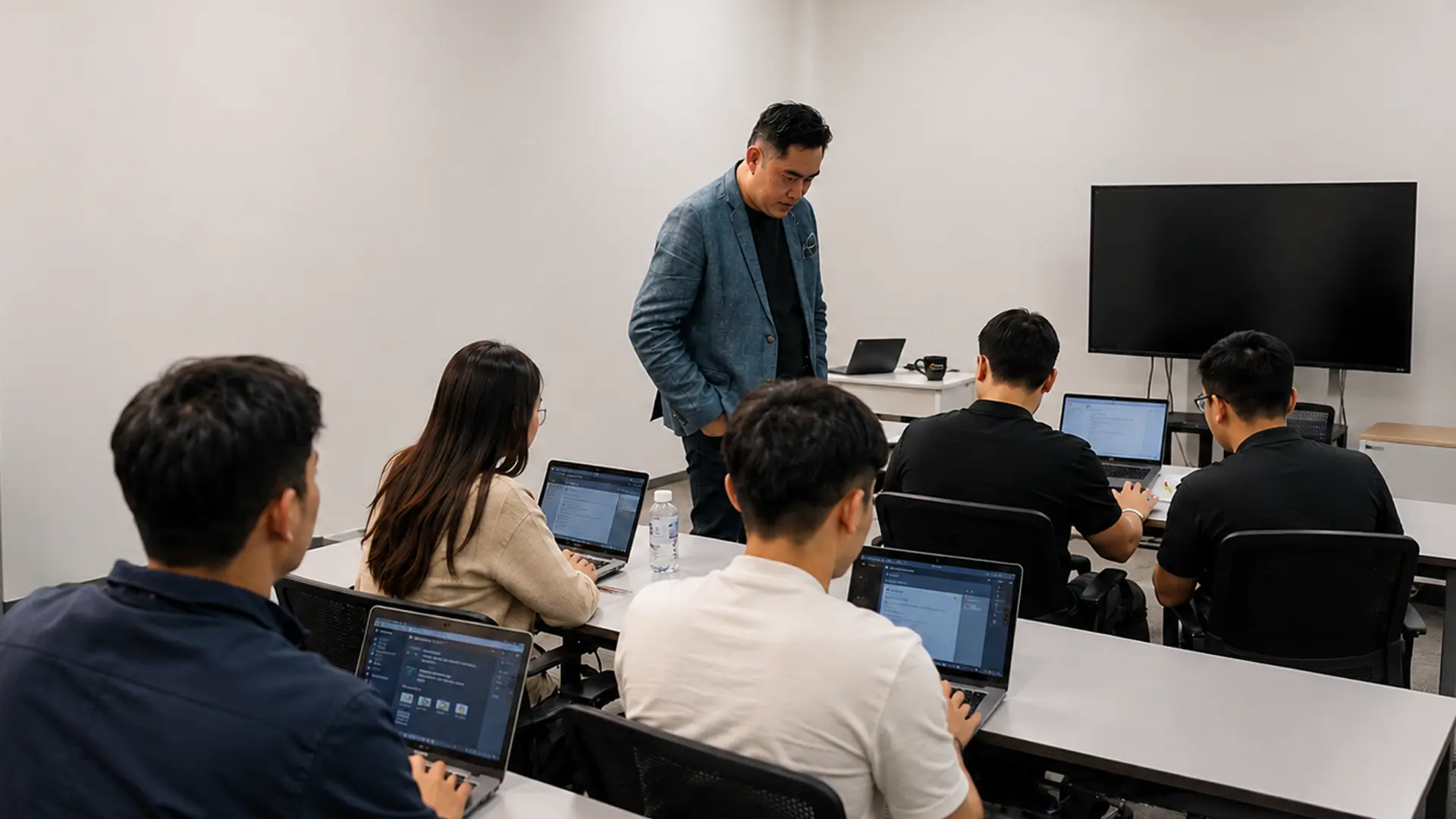
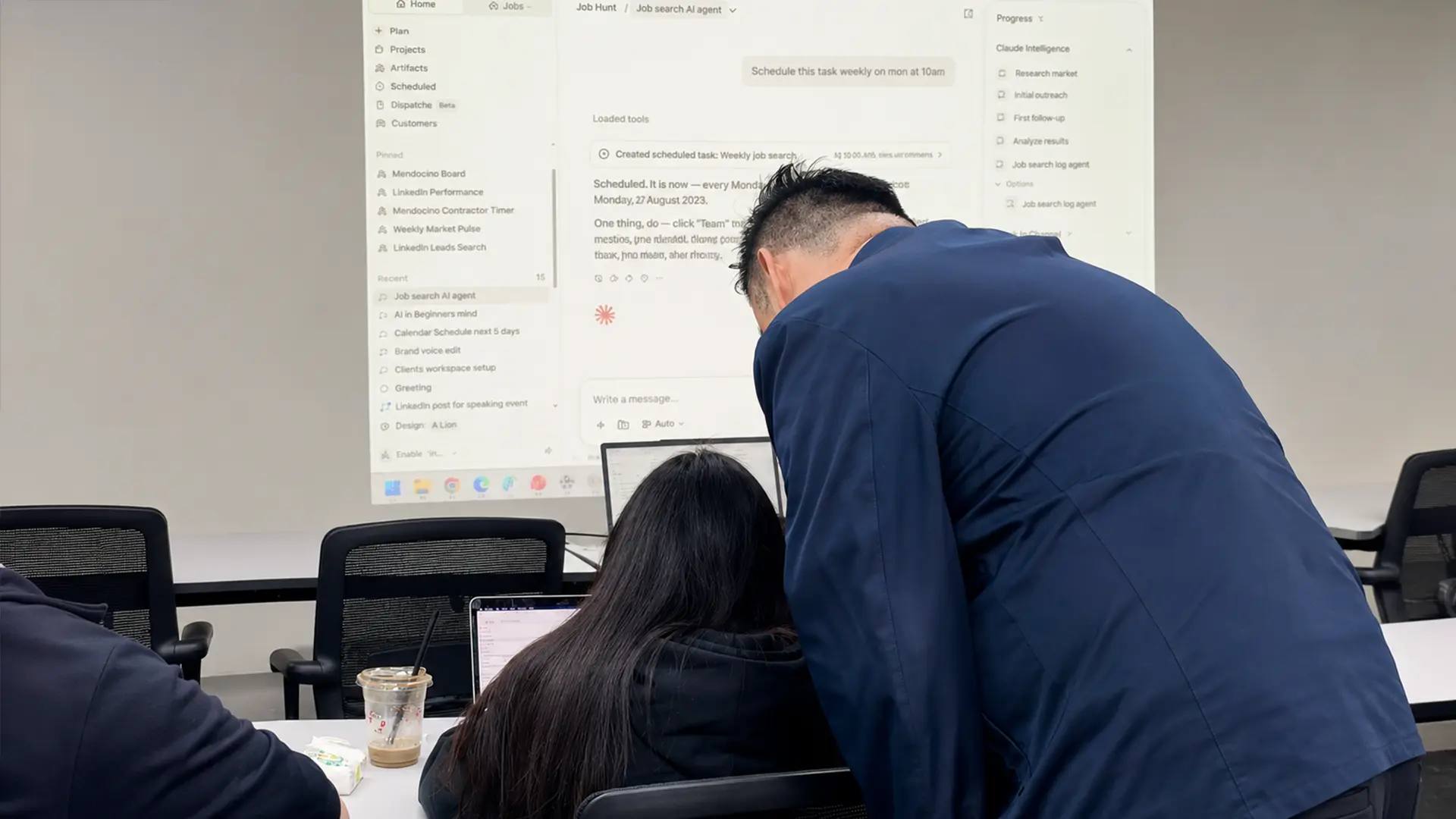
With a small group, the trainer can see exactly what you’re doing, step in when you get stuck, and ensure nobody falls behind.
You work with your own files
You won’t be practicing on made-up scenarios. Everything you build during the day is based on your actual files and real work situations.
FAQs
Do I need prior experience with Claude to attend?
Not at all! This bootcamp is beginner-friendly and will guide you through the basics before moving into practical, hands-on applications. The only prerequisite is an active Claude Pro subscription and Claude Desktop installed on your laptop.
I use Claude Chat daily. Is this course still for me?
Yes! Claude Chat and Claude Cowork are fundamentally different tools. Many regular Claude users discover that Cowork opens up a completely new way of working with AI. Beyond prompting, you’ll learn practical workflows and capabilities that most users haven’t fully explored.
What do I need to prepare for the bootcamp?
You’ll need to
- Activate a Claude Pro subscription
- Install Claude Desktop on your laptop (both Mac or Windows work)
- Have your Claude login credentials ready
- Have basic computer literacy
- Bring 3 real work files you’d like to use during the session (optional)
How can I sign up for the Claude Cowork bootcamp?
Simply fill in the contact form or WhatsApp us, and our team will get back to you with the next available intake date and registration details. Seats are limited so we recommend registering early to secure your spot.
Are Claude Chat and Claude Code covered in this bootcamp?
No. This bootcamp focuses specifically on Claude Cowork and its agentic AI capabilities, including Skills, Plugins, Connectors, Scheduled Tasks, and workflow automation. While Claude Chat and Claude Code may be mentioned where relevant, they are not the primary focus of the training.
What will I build during the course?
You will build a practical Claude AI coworker designed around a real workplace task or workflow. By the end of the bootcamp, you will receive feedback from both trainers and peers.
How is this Claude AI course different from other AI courses?
Many AI courses focus on prompting techniques or content generation. This bootcamp goes beyond prompting and teaches participants how to work with Claude’s agentic AI capabilities. You’ll learn how to use Skills, Plugins, Connectors, and Scheduled Tasks to create AI coworkers that can support real workplace workflows.
Is there funding available for this bootcamp?
This bootcamp is not eligible for SkillsFuture Credit or government subsidies as it is a non-WSQ programme. The full course fee is $650 per participant.
Will I receive a certificate upon completion of this course?
Yes. Participants who successfully complete the bootcamp will receive a Certificate of Completion from OOm Institute.
What are Claude Skills?
Claude Skills are specialised sets of instructions, reference files, and executable code bundled together that teach Claude how to handle specific tasks, workflows, or projects in a repeatable way. Instead of repeatedly explaining your preferences, brand guidelines, or workflows, you configure a skill once and invoke it when needed.
What are Claude Plugins?
A Claude plugin is a shareable software extension that adds custom capabilities to Claude (such as Claude Cowork or Claude Code). Think of it as packaging an entire job role or a set of advanced workflows into a single installable file or folder.
What is Claude Cowork best for?
Claude Cowork is a desktop agent designed to automate multi-step tasks by operating directly on your local computer and applications. It is ideal for hands-free document management, research synthesis, and automating repetitive workflows without requiring you to write code.
Is Claude Cowork free?
No. Claude Cowork is not free and you need at least a Claude Pro subscription to use it.